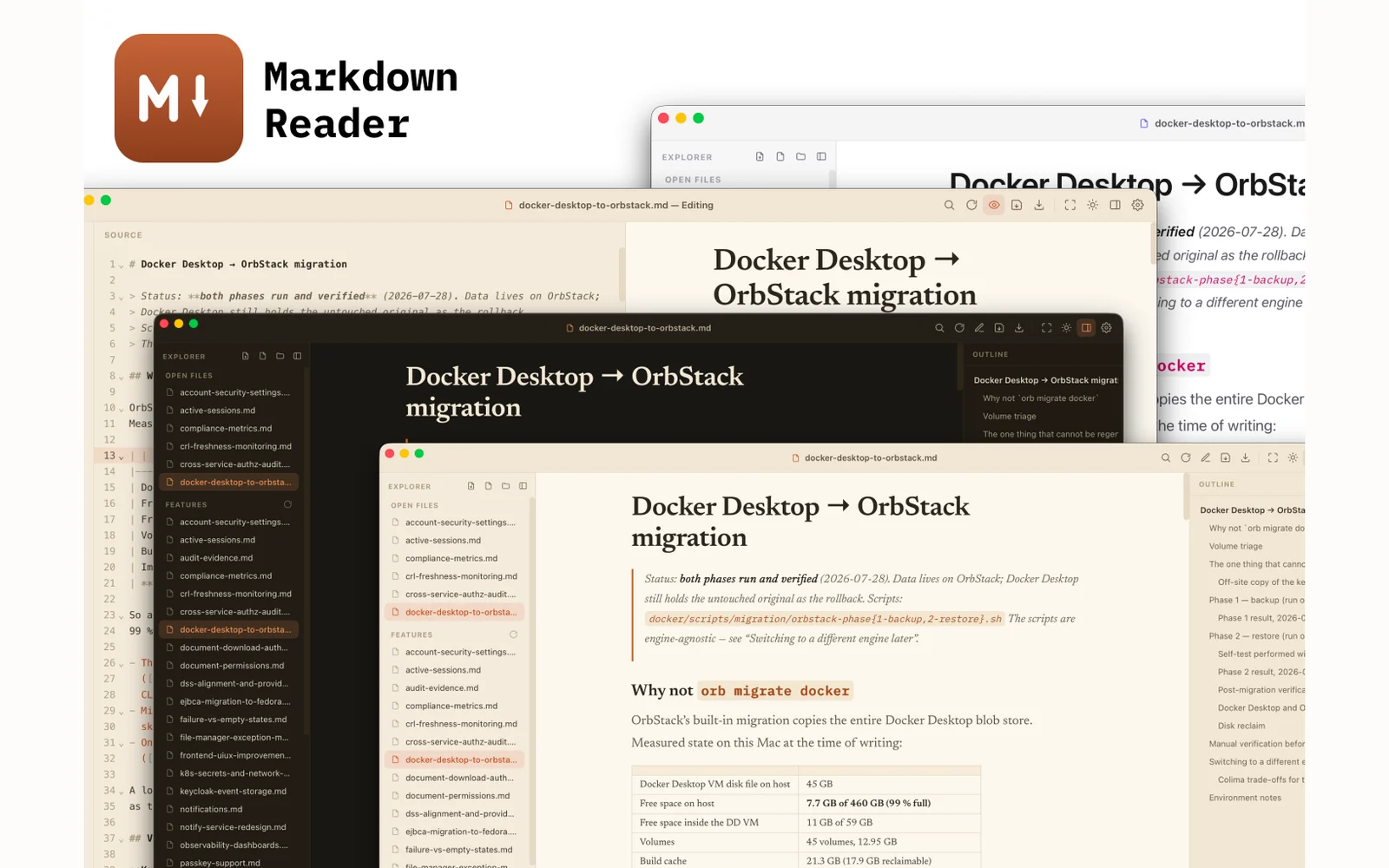
I wanted a reader that renders Mermaid diagrams, GFM tables and syntax highlighting faithfully, without opening an editor or a browser tab. It started as a hand-written SwiftUI renderer and became a Rust and Tauri 2 shell around the system WebView within a day — once the diagrams needed an offscreen WKWebView anyway, maintaining a second rendering model to avoid one webview stopped paying for itself.
What it does
- Three-pane layout — file explorer, reader/editor, outline — with internal link navigation between local documents
- Live edit mode on CodeMirror 6, split source and preview, saving in place
- Export to PDF through the native WKWebView renderer, no print dialog
- Rendering engines vendored — markdown-it, Mermaid, highlight.js, CodeMirror — so it works with no network
- Swappable themes across light, dark and system; focus mode and adjustable reading width
Why the Swift version was deleted
The first implementation was SwiftUI and AppKit with a hand-written renderer — 423 lines turning markdown into NSAttributedString, which handled most of a document natively and quickly. Mermaid was the problem: diagrams have no native equivalent, so that renderer ended up creating an offscreen WKWebView, drawing the diagram there and snapshotting the result back into the view. Once a browser engine is running to render part of the document, keeping a second rendering model to avoid it is cost without benefit. The Tauri rewrite landed the same day.